Remove blocking overlays
One click finds the most likely obstruction, clears its backdrop, and repairs common scroll locks.
 PageTidy
Remove annoying overlays, floating junk, sticky boxes, and anything else you don’t want on a webpage. PageTidy can even fix the page when an overlay disappears but scrolling stays broken.
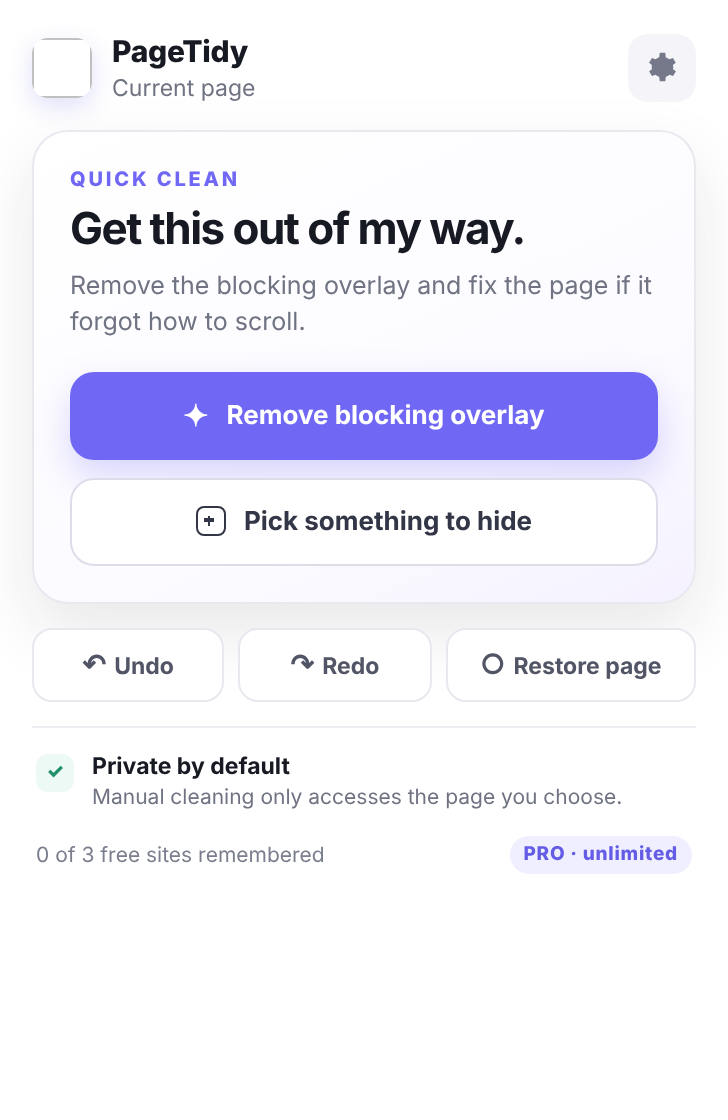
PageTidy is for the visual clutter you decide you don’t want—newsletter overlays, chat bubbles, sticky headers, floating videos, empty boxes, sidebars, and more.
One click finds the most likely obstruction, clears its backdrop, and repairs common scroll locks.
Hover, see exactly what PageTidy will remove, click, and it’s gone. Undo is always nearby.
Repairs the common body and page styles websites forget to restore after overlays disappear.
Remember cleanups and automatically reapply them when the same junk comes back.
That bug is exactly why PageTidy treats scroll restoration as part of cleanup instead of an afterthought. If removing an overlay leaves the page locked, PageTidy tries to repair it automatically.
PageTidy gives you a visual way to clean up websites in Chrome, Firefox, and Microsoft Edge. Point at the thing you don’t want, remove it, and optionally remember that cleanup for future visits.
Remove newsletter prompts, modal windows, dimmed backdrops, open-in-app nags, and other overlays blocking the page.
Hide oversized navigation, floating bars, recommendation panels, sidebars, and other page sections you don’t need.
Clear chat bubbles, floating media players, promos, and persistent widgets that follow you around the screen.
When a popup disappears but the site leaves scrolling disabled, PageTidy repairs several common HTML/body scroll locks automatically.
Use the toolbar button on the webpage that’s bothering you. Manual cleaning only gets temporary access to the tab you chose.
Use smart overlay removal or visually pick any element you want to hide. Undo and Restore Page are always available.
Give PageTidy permission only for that site and it can automatically reapply your cleanup on future visits.
A short walkthrough showing overlay removal, scroll restoration, visual element picking, and remembered cleanup.
Current store availability is shown below.

The primary PageTidy distribution.

Native Firefox WebExtension build.

Optimized Chromium-compatible build.
Founder Pro is browser-neutral: purchase once and use the same PageTidy license key on supported browsers.
Browser names and logos are trademarks of their respective owners. PageTidy is an independent product and is not affiliated with Google, Mozilla, or Microsoft.
No complicated plans. PageTidy Free solves the problem; Founder Pro removes the limit.
PageTidy cleans the page you choose. Saved cleanup rules stay in your browser, and Pro validation sends license-related data—not the content of the pages you visit.
Read the privacy policyNo. Ad blockers primarily block known advertising and tracking resources. PageTidy lets you personally remove visual clutter from a page and remember those cleanup choices.
PageTidy is designed for page decluttering, not for bypassing access controls. Removing a visual element does not grant access to content a site has not provided to your browser.
Manual cleaning uses temporary access after you click the extension. PageTidy asks for persistent access only when you explicitly choose to remember a cleanup on that site.
Use Undo immediately, or Restore page to reverse temporary PageTidy changes. Saved cleanup rules can also be disabled or deleted.
Yes. A PageTidy Founder Lifetime license is tied to PageTidy, not to one browser. The same license key can activate Pro in supported Chrome, Firefox, and Microsoft Edge builds.
You pay once for PageTidy Pro and keep Pro access. The $9.99 Founder price is the early-launch price and may increase for new buyers later.